StockCar is on Apple CarPlay.
Your portfolio is coming along for the drive.
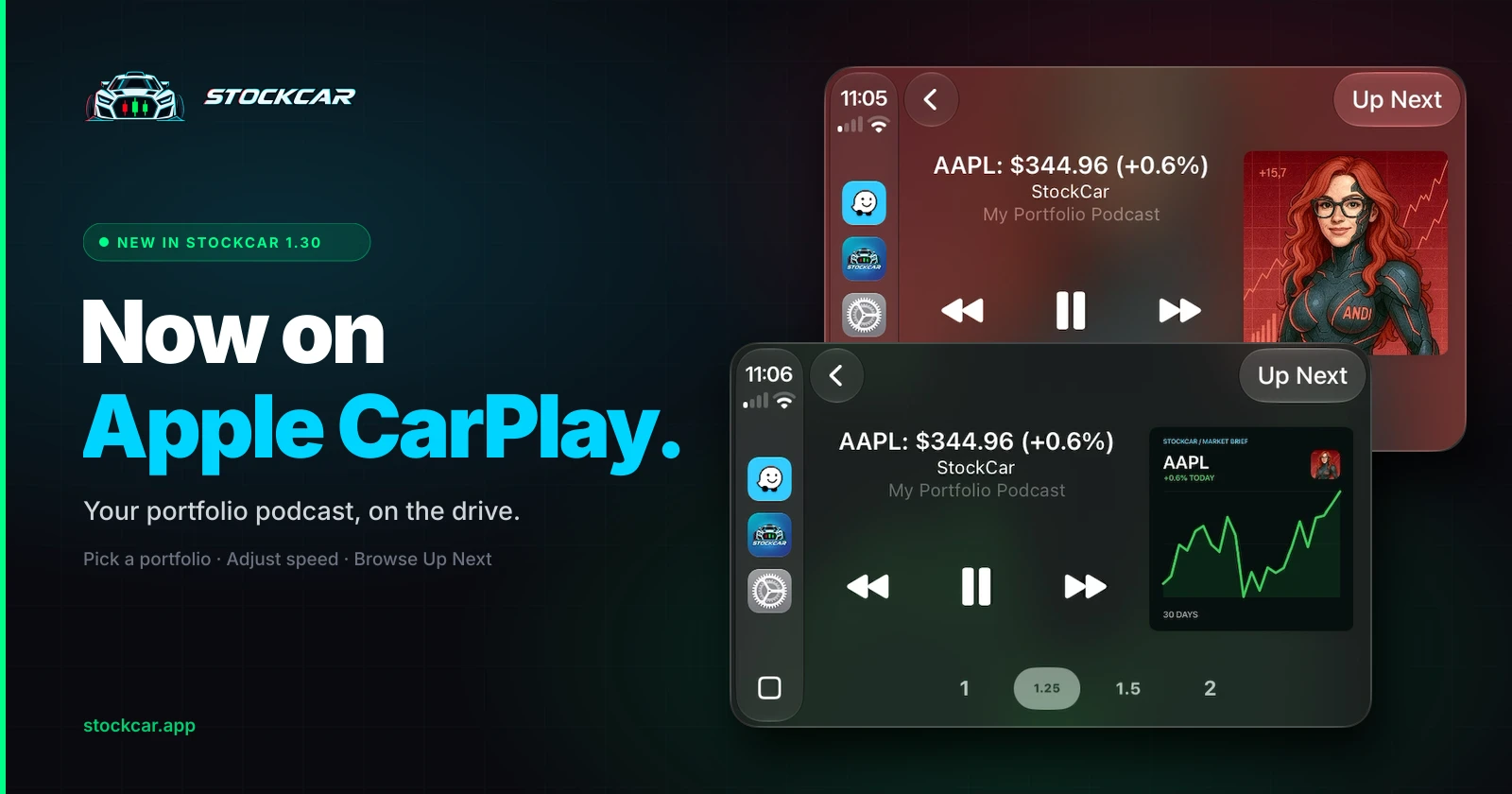
Connect your iPhone to a compatible car display and listen to a personalized podcast about the stocks, crypto, and other markets you follow.
Available now in StockCar 1.30 for iPhone. No separate purchase.
Your commute, about your holdings
The drive to work is a good time to catch up. But a general market podcast can spend most of the trip covering companies you do not own. StockCar starts with your tickers, then turns their news and price moves into audio voiced by your choice of AI cohosts. CarPlay brings that listening experience to your car display. Learn more on the StockCar for CarPlay page.
Pick your portfolio and press play
Open StockCar in CarPlay and choose a portfolio you have already set up on iPhone. Your personalized audio starts from that selection. You can return to Now Playing, adjust playback speed, and browse the upcoming audio with Up Next.
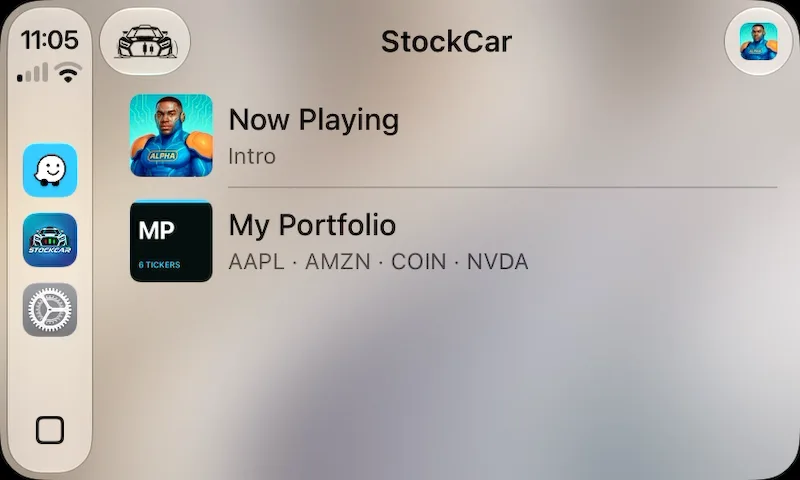
Your iPhone and CarPlay use the same playback session. Disconnecting from CarPlay does not end that session, so your listening can continue after you arrive.
Set up before you head out
Update StockCar on your iPhone to version 1.30 or later.
Open StockCar and create a portfolio with the tickers you want to follow.
Connect your iPhone to a compatible CarPlay vehicle.
Open StockCar on the car display and select your portfolio.
Set up your portfolio while parked. Generating new audio requires an internet connection and available tracks under your plan.
The same StockCar audio in another place
CarPlay does not require a separate purchase. Your existing track allowance applies. Start with one portfolio and 10 generated tracks total at no charge. That allowance does not renew; previously generated tracks remain playable. Standard includes 20 new tracks a day, and Pro includes 50. Both paid plans include unlimited portfolios and Premium Support. See pricing for details.
Every plan includes all cohosts, themes, and Infinite Radio Mode™. New audio generated in Radio Mode counts toward your track allowance.
StockCar is for listening to market information and commentary. It does not place trades or connect to your brokerage account, and its content is not financial advice.
Bring your portfolio along for the drive.
Add AAPL, NVDA, BTC, or any ticker you care about, then listen on your next drive.
Download Free on the App Store